


Beam has launched Beam Studio, a visual interface for building and running data workflows on SN105.

The new tool lets teams connect transfers, transformations, checks, schedules, retries, and branching logic inside a visual graph instead of writing the full workflow in code.
Beam Studio runs on the same network and organization credits as Beam’s SDK and CLI, with activity from each interface appearing together in the Beam Console.
From Single Transfers to Full Pipelines
Beam (SN105) is built on a model that allows users to specify where data needs to go, while independent operators compete to move it. Performance is measured and verified before rewards are distributed.
Studio adds an orchestration layer on top of that system.
A workflow can move data from one service, transform it, test a condition, choose a different path based on the result, and then continue to another destination. Supported connectors include Amazon S3, Cloudflare R2, S3-compatible storage, Hippius, HTTP endpoints, and other integrations.
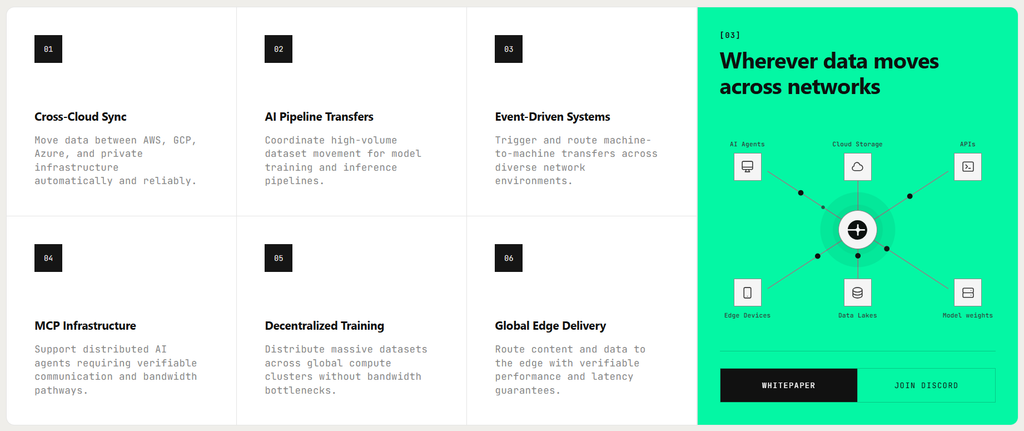
Workflows can also be triggered manually, on a schedule, or through external events, while webhooks allow Studio to interact with outside systems.
Beam Studio is also using SayGM (SN28) as part of its AI layer. GM said every prompt inside Beam AI, from building workflows to investigating failed runs, is routed through its infrastructure.

Built for Work That Needs More Than One Step
Studio is aimed at pipelines where teams need visibility and control across several actions. Each workflow shows the status of its individual steps, including whether they are queued, running, waiting, failed, or complete.
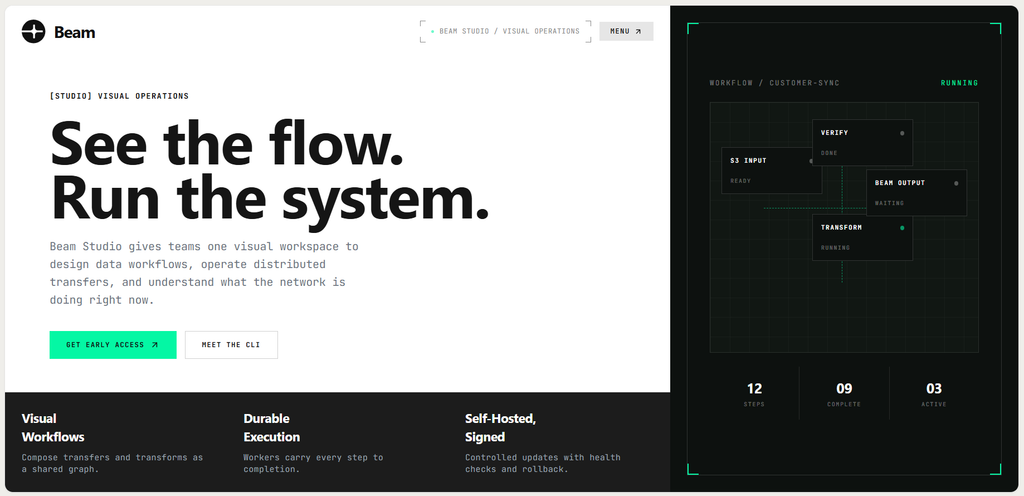
Runs are also durable. If the system restarts, the workflow can resume instead of starting from the beginning, while previous runs remain available for inspection. For simpler jobs, Beam still recommends its SDK or beam-send, especially when a transfer is only one part of an application or a one-off terminal task.
Beam Is Turning Bandwidth Into Infrastructure Teams Can Program
Beam describes SN105 as a programmable transport layer connecting areas such as storage, SaaS products, enterprise systems, peer-to-peer networks, and AI compute. Studio makes that layer easier to operate.
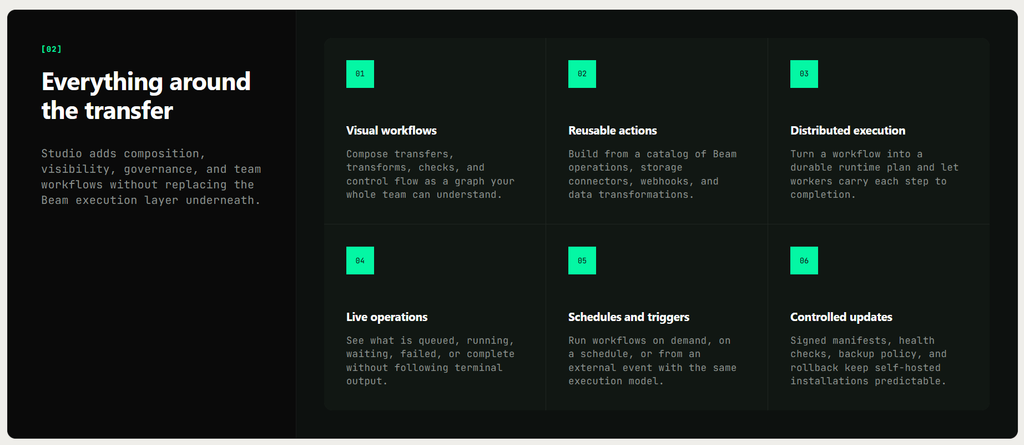
The launch moves Beam beyond exposing bandwidth through developer tools alone and gives teams a visual way to coordinate more complex movement across the network.
For users who need to build repeatable data pipelines without writing every orchestration step manually, Beam Studio is now the main interface for doing it.
➛ See Beam Studio’s Docs Here.
Read More on Beam’s Rooms and Tunnels:
Enjoyed this article? Join our newsletter
Get the latest TAO & Bittensor news straight to your inbox.
We respect your privacy. Unsubscribe anytime.
Enjoyed this article?
Join our newsletter
Get the latest TAO & Bittensor news straight to your inbox — every morning before markets open.



No comments yet — be the first.