

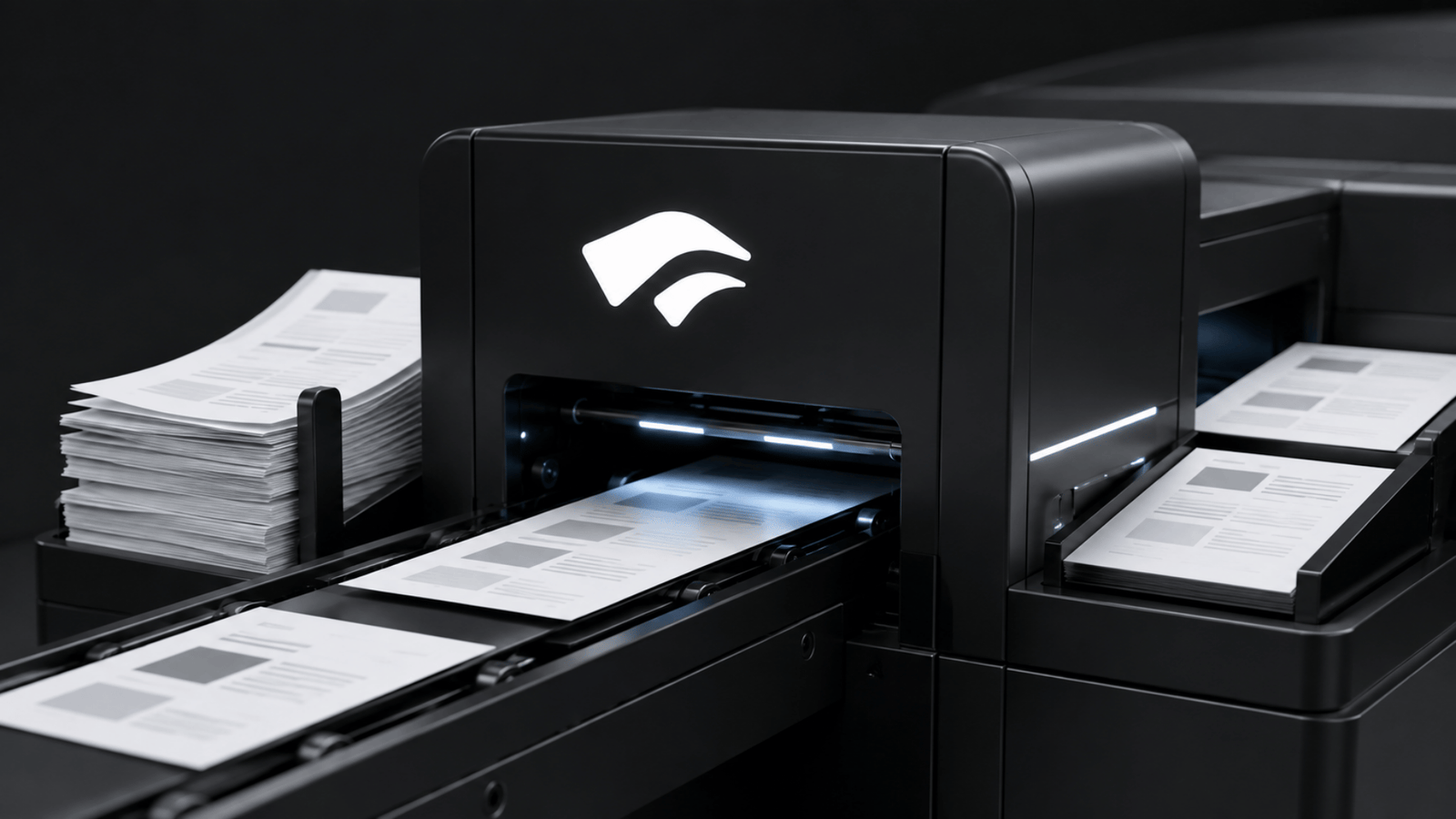
Working with documents can get messy quickly.
You might have an invoice sitting in PDF form, a scanned bank statement, a contract full of text, or a research paper with tables and multiple columns.
Getting useful information out of those documents usually means copying things manually or sending the files through several different tools.
Chutes (SN64) now has a simpler option.
The subnet has added Docuextract, a community-built tool that lets you send a PDF or image and get the information back as clean Markdown or structured JSON.
So, What Can You Do With It?
Think of Docuextract as a tool for turning documents that are difficult for software to understand into information that software can use.
Give it a document, and it can extract the contents while preserving useful structure such as tables, headings, and other important details.
For example, you could use it to:
- Extract invoice information such as vendor names, dates, line items, and amounts.
- Pull information from contracts without manually going through every page.
- Process bank statements and turn their contents into structured data.
- Read scanned forms and convert them into usable digital information.
- Extract information from research papers, including lengthy multi-page documents.
- Process batches of similar documents using a reusable template.
This is particularly useful when you’re building an application that needs to process documents automatically.
Instead of building a separate pipeline for OCR, document parsing, and structured extraction, you can send the document to Docuextract and get back the format your application needs.
From a PDF to JSON
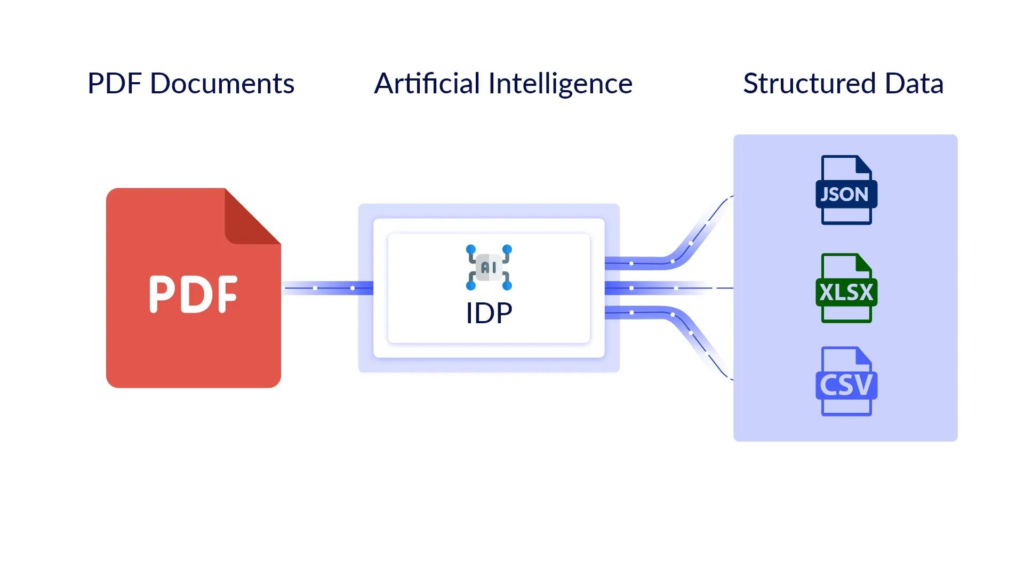
One of the more useful features is the ability to tell Docuextract what information you’re looking for.
Say you have hundreds of invoices and want to extract:
invoice number → company → date → total → tax
You can define those fields in a template and have Docuextract return the information as structured JSON.
That means the output isn’t just a pool of extracted text. It’s information that can be fed directly into another application, database, or workflow.
For developers building document-heavy applications, that’s a meaningful difference.
It Also Handles the Messy Stuff
Documents aren’t always clean digital PDFs.
They can contain scanned pages, tables, multiple columns, receipts, mathematical notation, and other layouts that make simple text extraction unreliable.
Docuextract combines two open-weight vision-language models to handle different parts of this problem.
LightOnOCR-2-1B handles the fast document-to-Markdown side, while NuExtract3 handles structured information extraction.
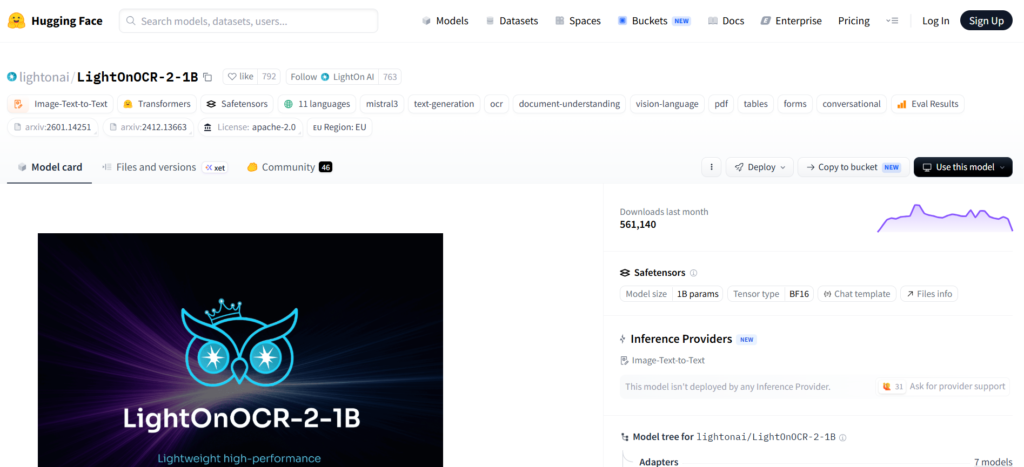
The technical setup is worth noting, but the important part is what it means for users: you don’t need to stitch several document-processing tools together yourself.
Docuextract puts those capabilities behind a single service.
And Your Documents Stay Private
There’s another consideration when you’re sending documents to an AI system or online tools: what happens to the document after you upload it?
Docuextract runs on Chutes inside a hardware-attested Trusted Execution Environment (TEE) with end-to-end encryption.
In practical terms, this is designed to keep the contents of documents private from the inference operator.
That’s particularly relevant for the kinds of documents businesses are likely to process; invoices, financial statements, contracts, internal forms, and other sensitive files.
With Chutes, you can be sure no one is peeping into your stuffs.
The Technical Details
For those who want to go deeper, Docuextract combines:
- LightOnOCR-2-1B, a 1B-parameter vision-language model for fast OCR and document-to-Markdown conversion.
- NuExtract3, a 4B-parameter vision-language model for structured extraction.
- Support for 262K-token text context through NuExtract3, allowing it to handle long documents.
- Four REST endpoints covering OCR, extraction, template generation, and multi-page parsing.
- Apache 2.0 licensing for both underlying models.
- Reported OCR throughput of 5.71 pages per second on a single H100 for LightOnOCR-2-1B.
Conclusion
Chutes now has a tool that can take the documents sitting in your inbox, drive, or application and turn them into data your software can work with.
And for developers building AI-powered applications, that could save a lot of time, without having to build the entire document-processing pipeline themselves.
➛ Access Docuextract Docs Here, and Test It on the Playground.
Enjoyed this article? Join our newsletter
Get the latest TAO & Bittensor news straight to your inbox.
We respect your privacy. Unsubscribe anytime.
Enjoyed this article?
Join our newsletter
Get the latest TAO & Bittensor news straight to your inbox — every morning before markets open.



Be the first to comment