

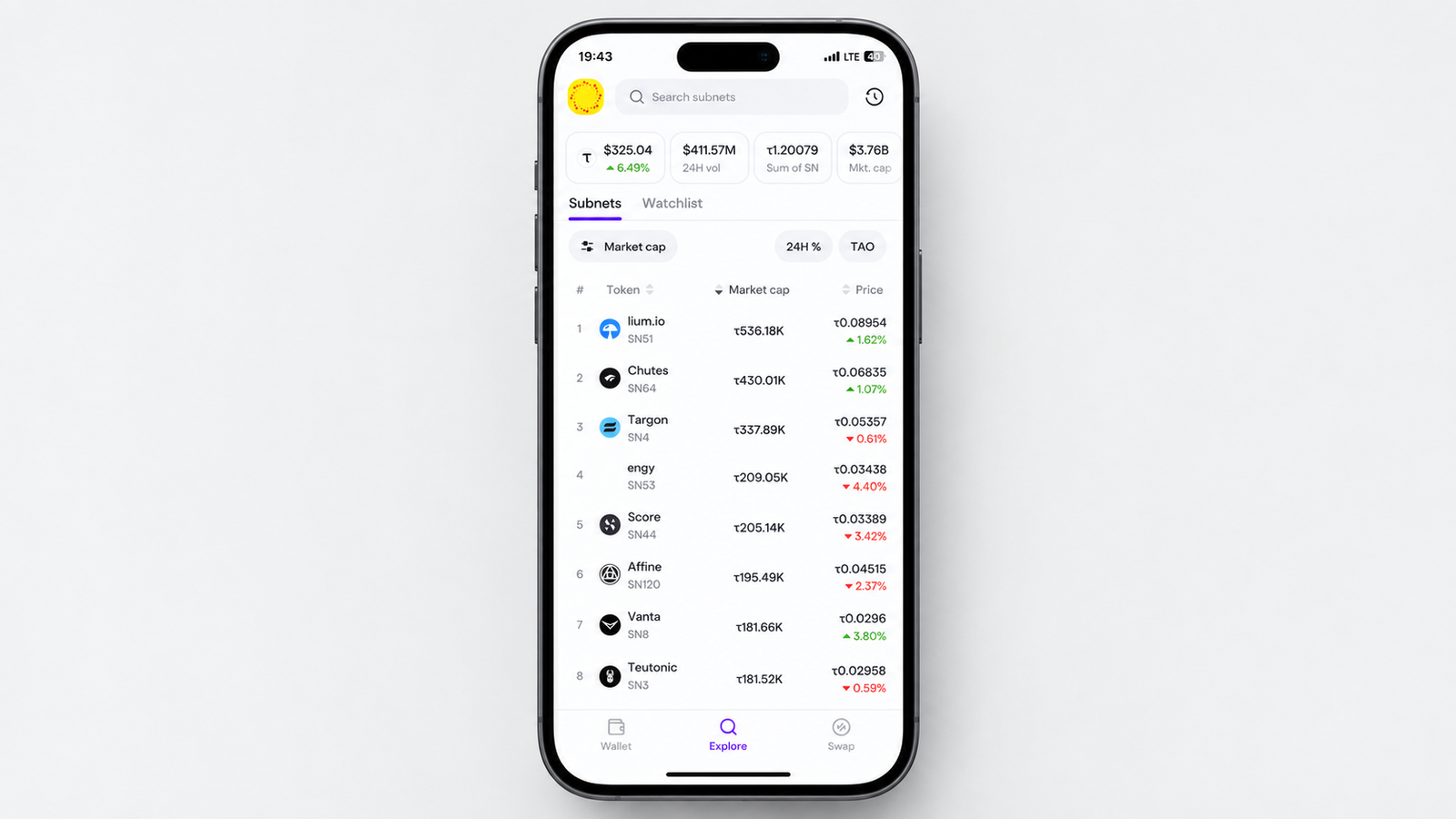
TAO.com has rolled out an updated Explore view that brings TAO and subnet tokens into one place, making it easier to discover assets, monitor prices, and track portfolio activity.
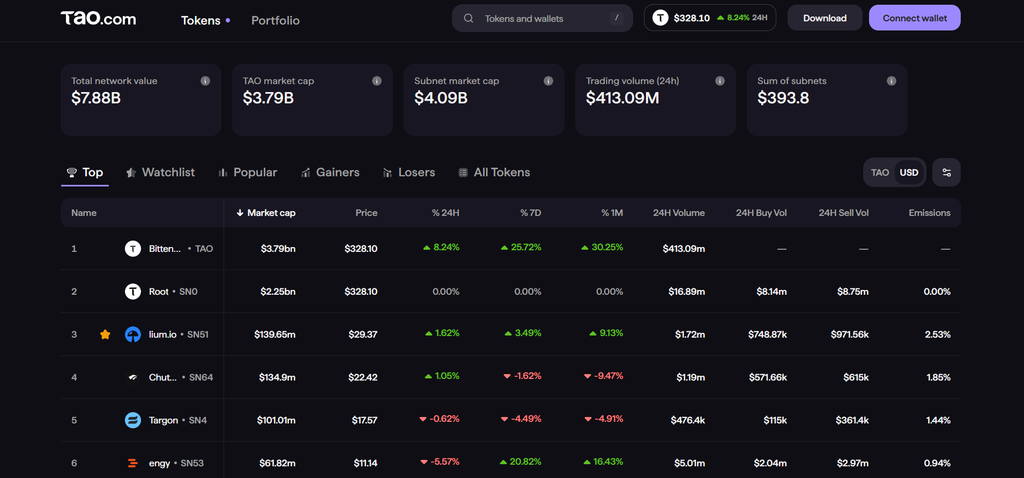
Available across iPhone, Android, and the web, the redesigned section combines token discovery, live charts, watchlists, portfolio history, and transaction filters in a single interface.
For Bittensor users tracking multiple subnets, the update provides a simpler way to keep an eye on the tokens that matter most.
How to Access Explore
Open the TAO.com app on your mobile device or visit the platform through your browser. From there, navigate to the Explore or Tokens section. The page presents TAO alongside subnet tokens, giving users a unified view of the available assets.
1. Search and Discover Subnet Tokens
The Explore section includes a search function for finding specific TAO and subnet tokens. Users can browse the available assets, open individual token pages, and compare tokens from the main Explore interface.
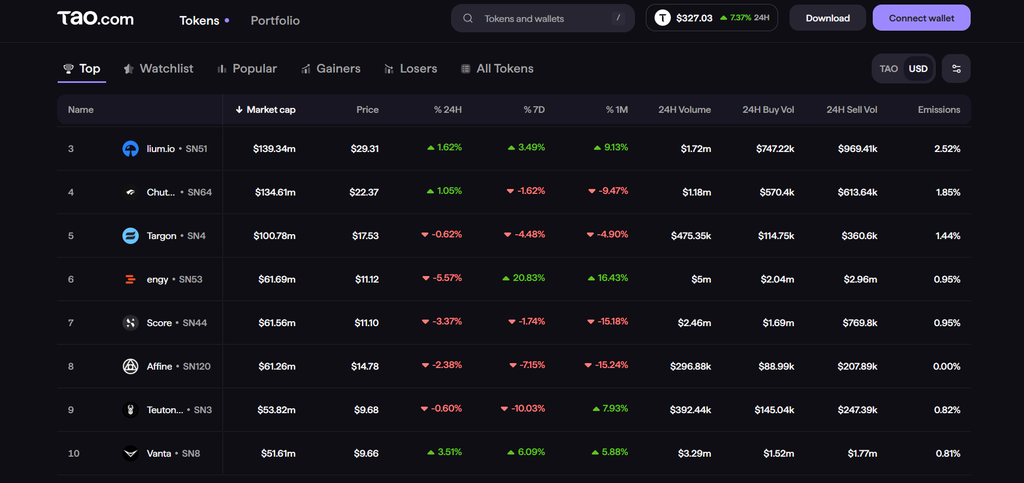
2. Monitor Prices With Live Charts
TAO.com has also updated its token charts to refresh automatically while users browse. On the 24-hour chart, the latest data point refreshes approximately every 10 to 15 seconds without requiring a manual page reload.
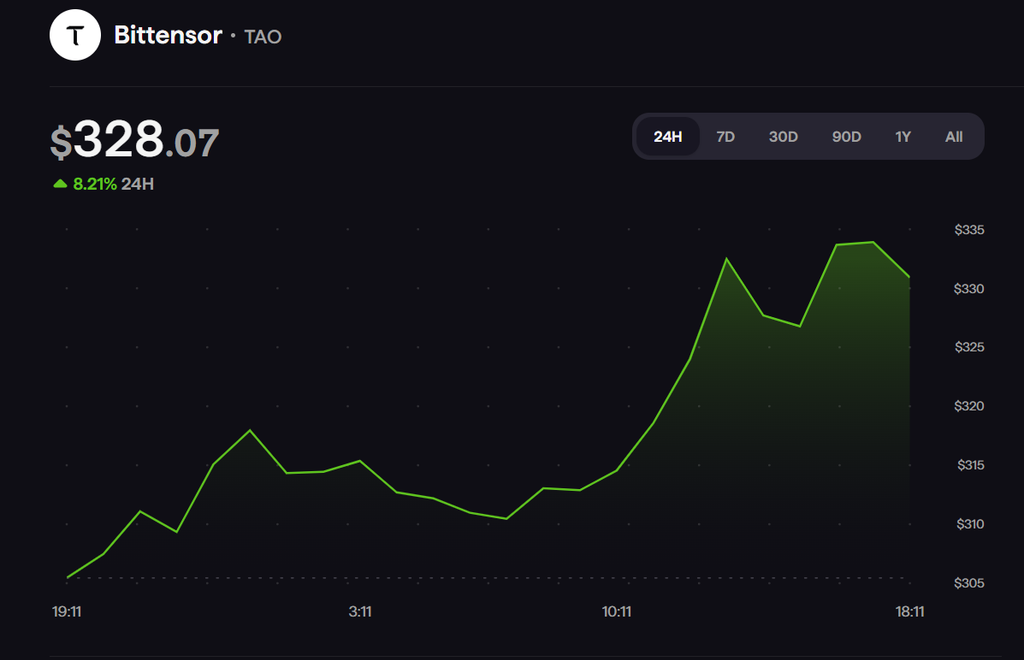
Users can switch between available time ranges while viewing price movements, with USD and TAO price changes displayed consistently across the different periods. The same live chart functionality is available when viewing tokens through the portfolio interface.
3. Create a Personal Watchlist
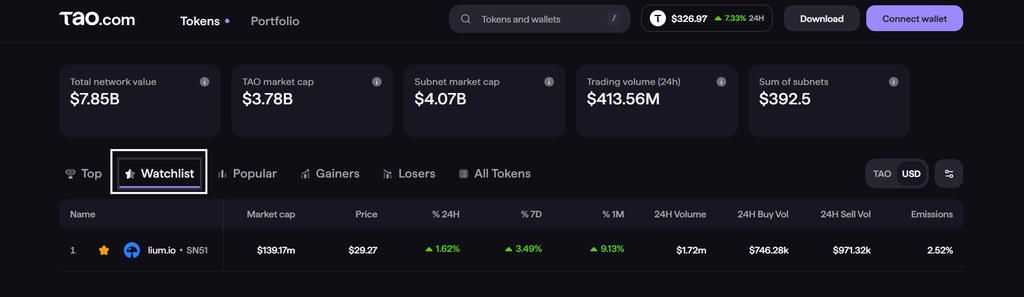
Users can add tokens to a watchlist directly from their individual details pages. The feature supports TAO, Root, and subnet tokens, allowing users to keep frequently monitored assets together.
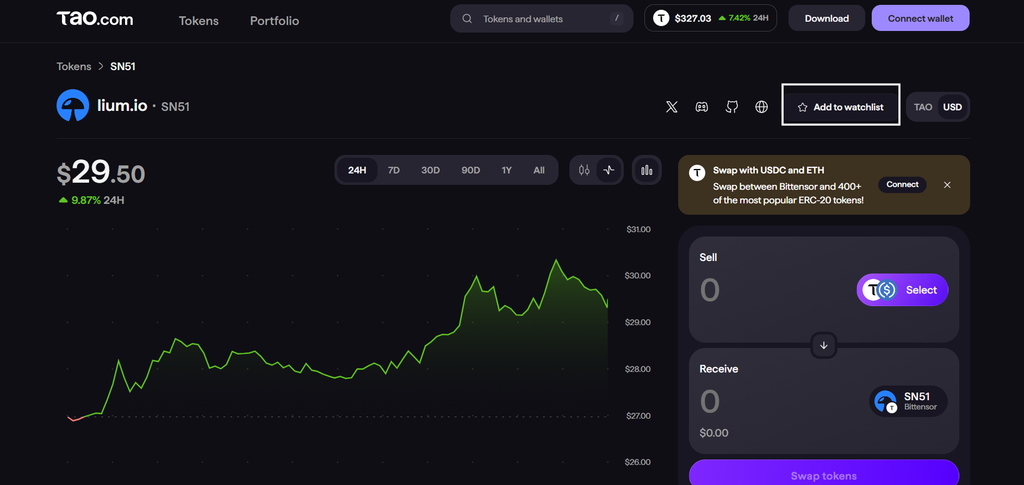
Once tokens have been added, open the Watchlist tab to view them in one place. This can be useful for users following several subnets and wanting quicker access to their latest market data.
4. Track Portfolio History More Accurately
TAO.com has also changed how historical USD portfolio values are calculated. Previously, portfolio charts could apply the current TAO price across historical periods.
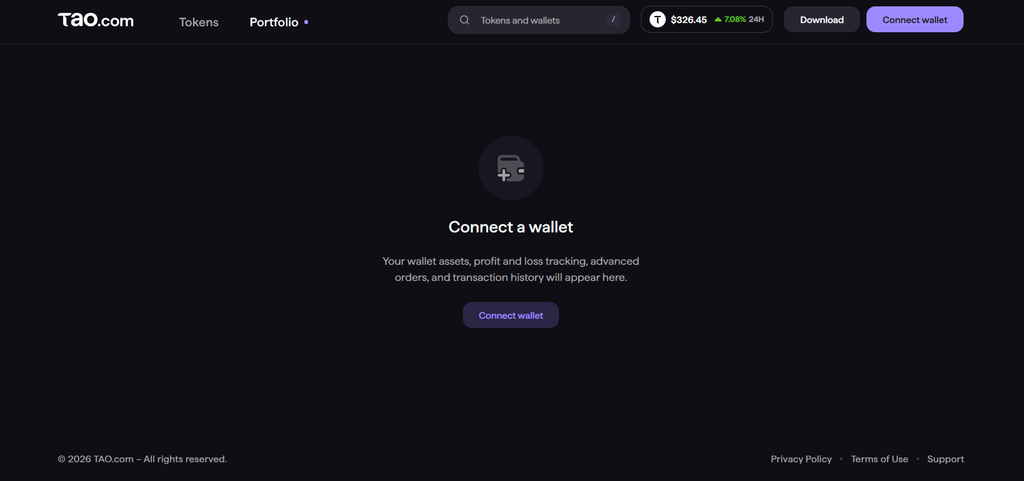
The updated system uses the exchange rate recorded at each historical point, producing a more accurate representation of how the portfolio value changed over time.
5. Filter Transaction History
Transaction history can now be filtered across several time periods. Open the Transactions tab from the portfolio or relevant token view, then select 24H, 7D, 30D, or All time.
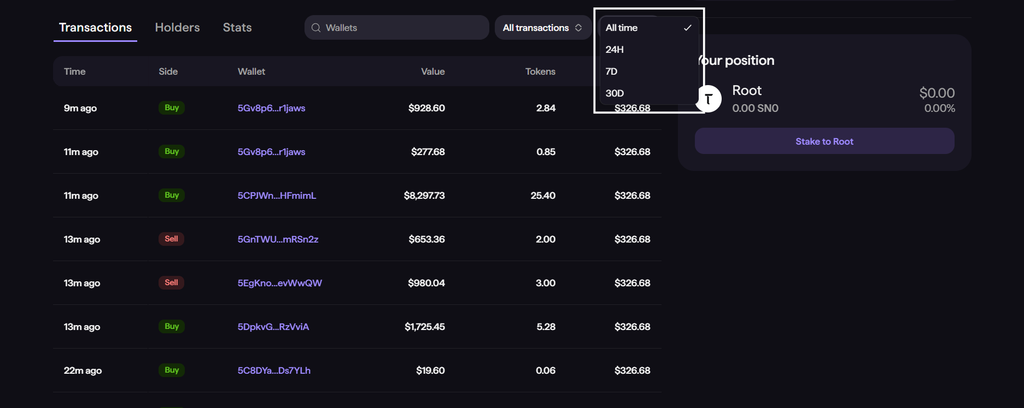
The update also addresses previous issues where transaction history did not load correctly across some of these ranges.
6. Other Updates
The Explore rollout also includes several smaller improvements across TAO.com.
1. Root’s historical all-time high and low values have been corrected.
2. Missing subnet chart data has been restored.
3. Local-currency formatting has been fixed.
4. The currency switcher remains visible on mobile devices.
4. USDC–dTAO cross-chain transfers are already supported.
Start Exploring TAO and Subnets
The updated Explore section gives TAO.com users a single place to discover tokens, monitor live prices, organize watchlists, review portfolio history, and filter transactions.
For users actively following Bittensor subnets, the changes make it easier to move from discovering a token to monitoring its performance without leaving the same interface.
➛ View the TAO.com Upgrades Via iOS, Android, Chrome Extension or Web.
Enjoyed this article? Join our newsletter
Get the latest TAO & Bittensor news straight to your inbox.
We respect your privacy. Unsubscribe anytime.
Enjoyed this article?
Join our newsletter
Get the latest TAO & Bittensor news straight to your inbox — every morning before markets open.

No comments yet — be the first.