

Bittensor has always supported proxies, multisigs, and offline signing for keeping accounts safe, but most users have never deployed any of them.
Setting up those processes has been difficult, and managing them once configured has been harder still.
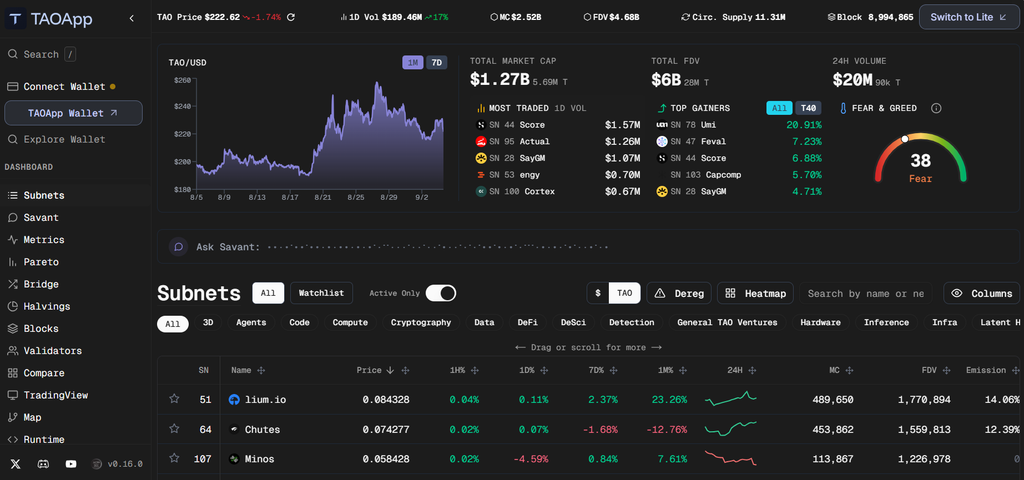
TAOApp Wallet just opened access on Chrome, Brave, and Edge, bundling every option into one interface. Recent hacks of subnet teams whose treasuries relied on single keys underscore why the option now matters.
Keeping Keys Off the Machine That Might Get Compromised
TAOApp treats the browser as the least secure place to store any key that matters, and offers alternatives at every threat level.
1. Watch-only accounts follow any address without holding the underlying key: Track balances, monitor positions, and inspect activity for wallets whose keys stay somewhere else entirely.
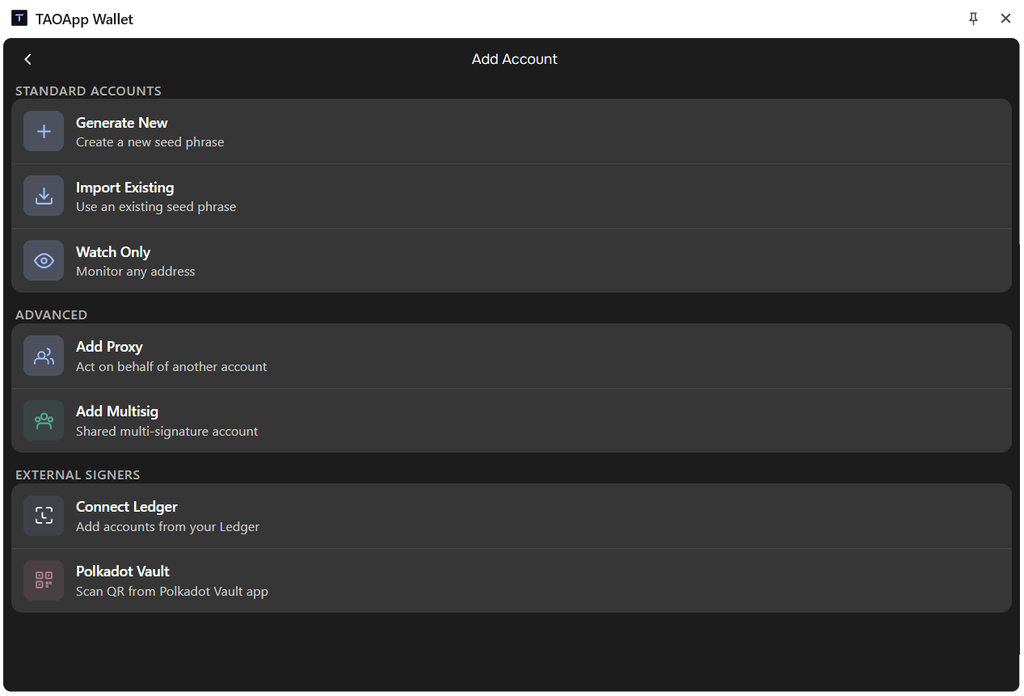
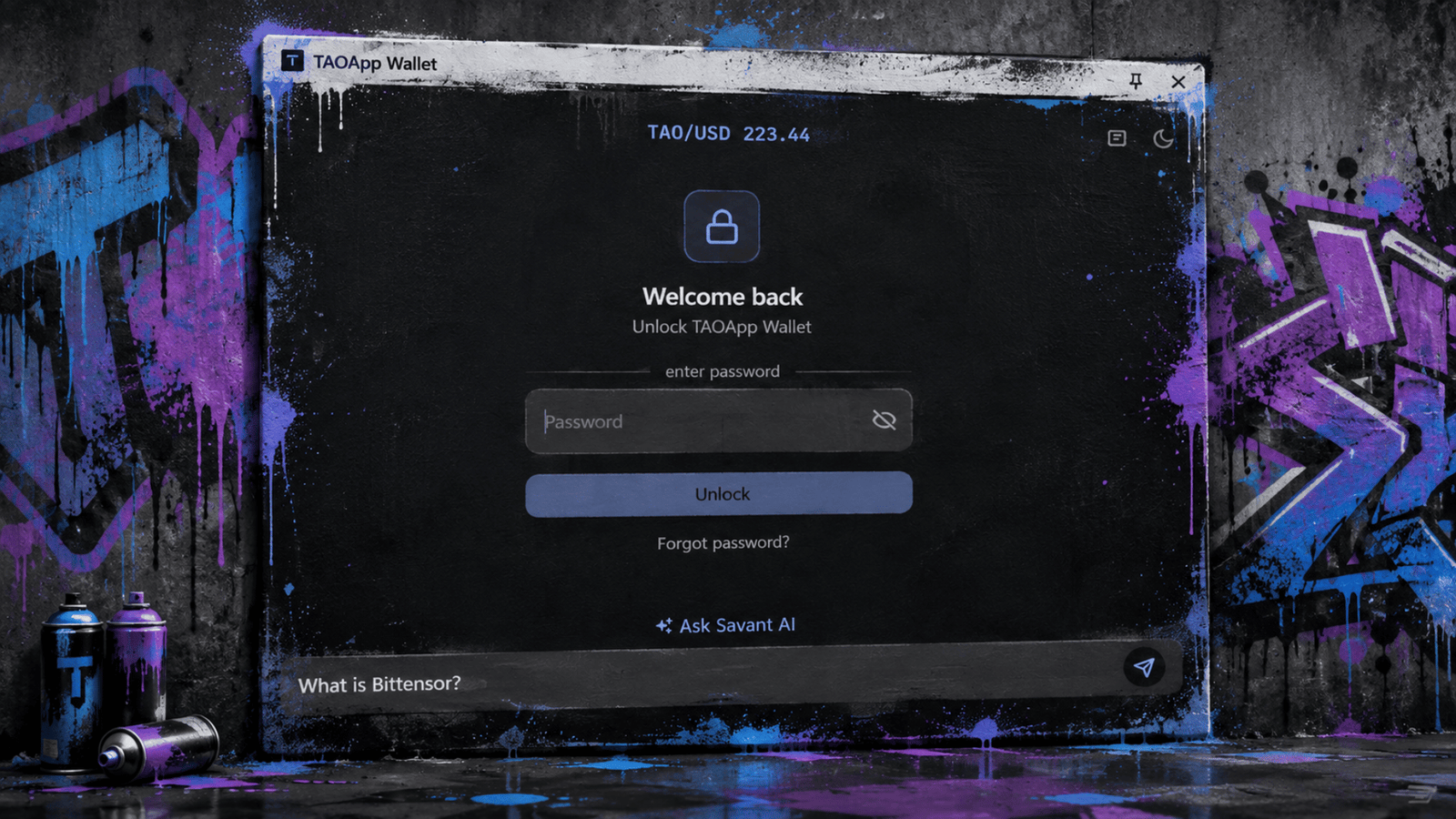
2. Everyday accounts encrypt their keys locally on your device: Passkey unlock protects access, and the wallet locks itself automatically when you stop using it during the browser session.
3. Ledger hardware wallets connect for accounts holding significant balances: Keys never touch the browser or the operating system running underneath the extension itself.
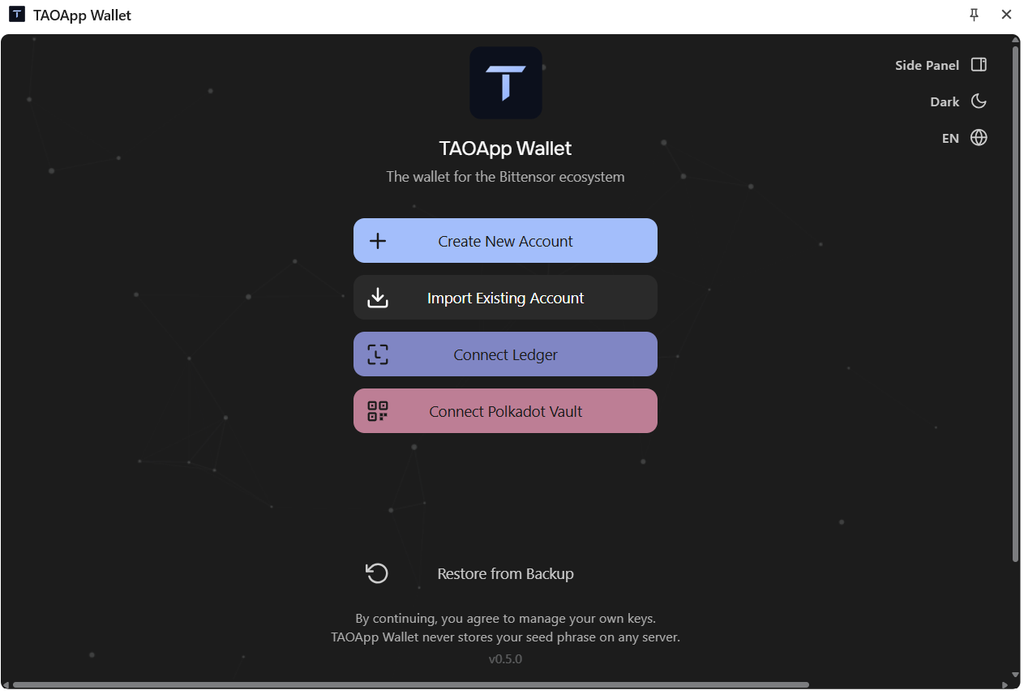
4. Polkadot Vault handles signing from a phone kept permanently offline: The highest-security tier where the signing device never touches the internet during its entire lifetime.
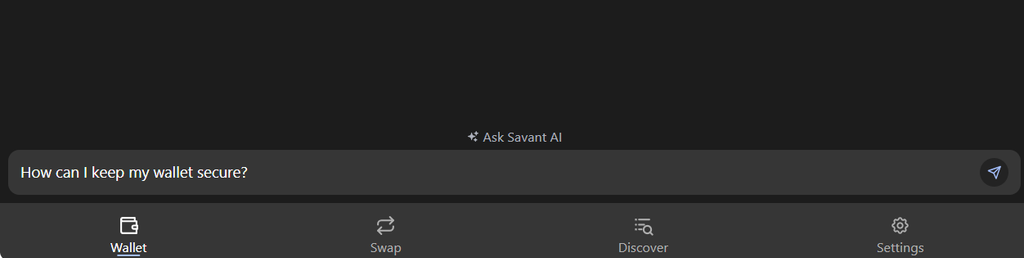
5. Savant AI comes built into the wallet: TAOApp also integrates Savant AI, a chatbot that pulls information across the Bittensor ecosystem, so you can get answers without ever leaving the wallet.
Separating Ownership From Everyday Operation
The account that holds $TAO does not need to be the account that does the daily work of interacting with subnets.
1. Proxy accounts act on behalf of an owner without holding the owner’s key: The main account stays offline while a limited-permission proxy handles staking, transfers, and other routine work.
2. Multisig accounts require several signatures before any action executes: Subnet teams stop being vulnerable to a single hacked laptop taking control of the entire treasury overnight.
3. Recent subnet compromises could have been prevented by these setups: Single-key architectures got exploited across multiple teams, when a proxy or multisig would have contained the damage cleanly.
4. One encrypted configuration is shared across every team member automatically: Everyone sees the same multisig arrangement without recreating the setup on each individual member’s device.
5. Every approval displays which account the action belongs to: Team members see who signed, what is still waiting, and which underlying account owns the action.
Bittensor has always allowed these setups, but complexity kept most users away from deploying them across their accounts. TAOApp Wallet fixes all that.
Beta Access on Chrome, Brave, and Edge
TAOApp Wallet is now available in public beta across three Chromium-based browsers, with the team looking seeking for the next round of features.
Developers get extra tooling including test accounts, custom RPC (Remote Procedure Call) connections, payload decoding, raw call submission, and direct chain inspection.
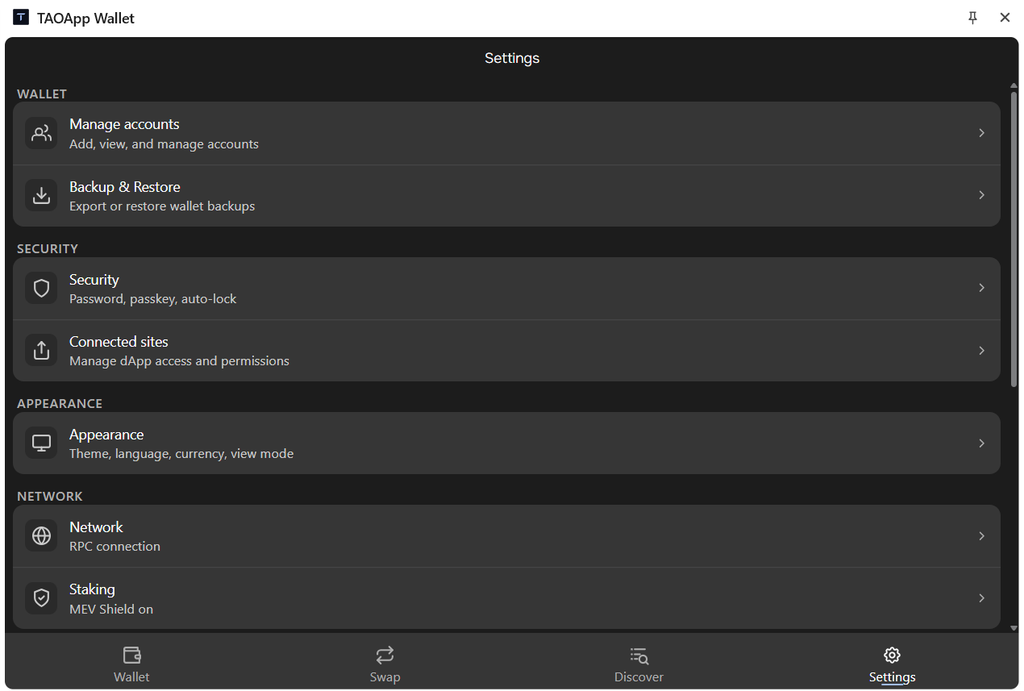
Early users testing the beta would decide which features arrive first in the upcoming updates. The gap between what Bittensor allows and what most users deploy just got smaller in a way that matters for anyone holding TAO.
➛ Access TAOApp Wallet by Installing It Here.
Enjoyed this article? Join our newsletter
Get the latest TAO & Bittensor news straight to your inbox.
We respect your privacy. Unsubscribe anytime.
Enjoyed this article?
Join our newsletter
Get the latest TAO & Bittensor news straight to your inbox — every morning before markets open.


No comments yet — be the first.