

Taoillium is an innovative AI platform designed to empower users with cutting-edge generative AI tools and computing resources. Developed by a team focused on accessibility and performance, Taoillium (SN109) offers a range of models, including DeepSeek-V2 and Qwen2-72B-Instruct, starting at just 0.68 USD per use.
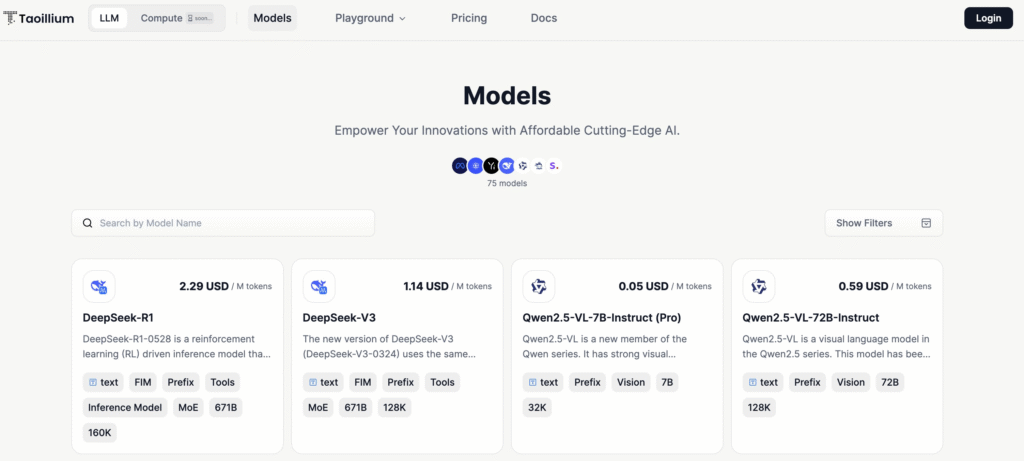
The platform supports a variety of applications, from text generation to image creation, and is compatible with OpenAI’s client libraries, making it seamless for developers to integrate into existing workflows.
Beyond AI models, Taoillium provides Taoillium-Compute, a resource pool of CPU, memory, and cloud storage, allowing users to run diverse workloads without managing physical hardware. With a commitment to security, the platform requires KYC (Know Your Customer) verification, ensuring a regulated and safe environment for AI exploration.
Step-by-Step Guide to Using Taoillium
- Create an Account and Log In
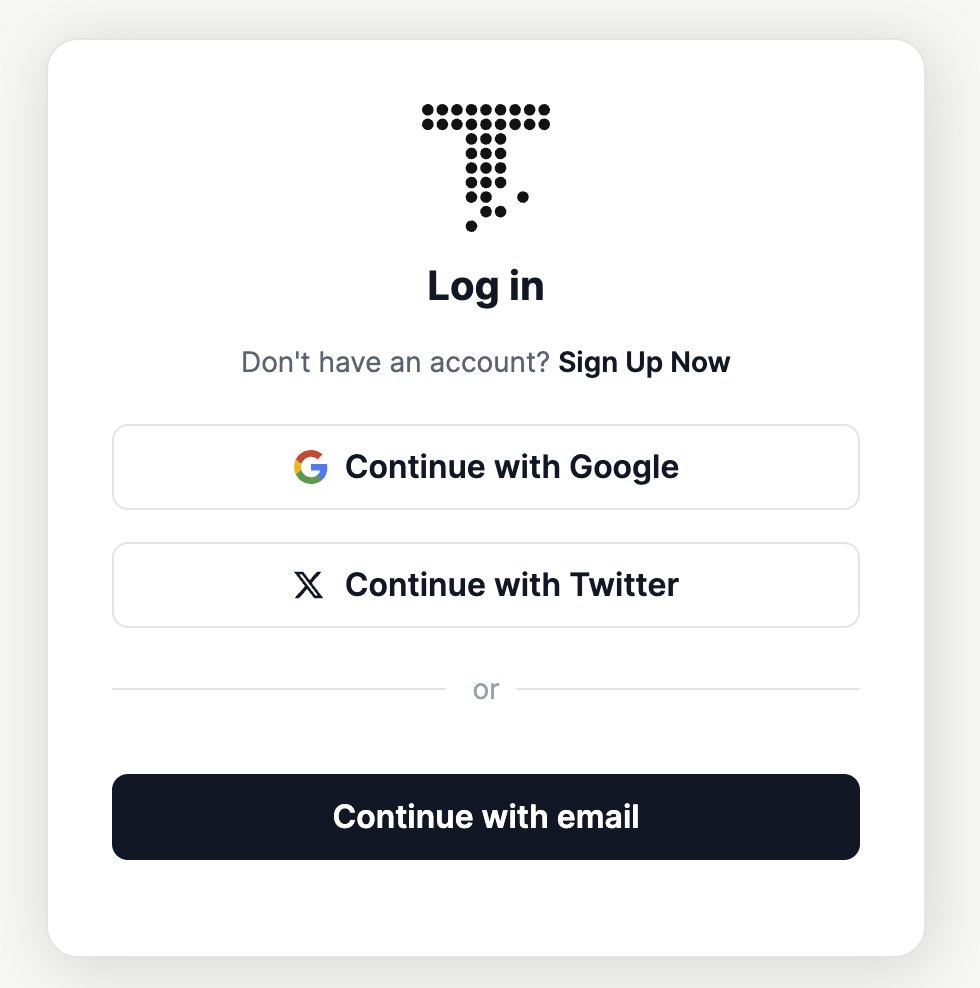
- Visit the Taoillium website and click the “Login” button in the upper right corner.
- Choose to log in using your Google or Twitter account, or opt for email registration. Follow the prompts to provide basic information and complete the login process.
- Complete KYC Verification
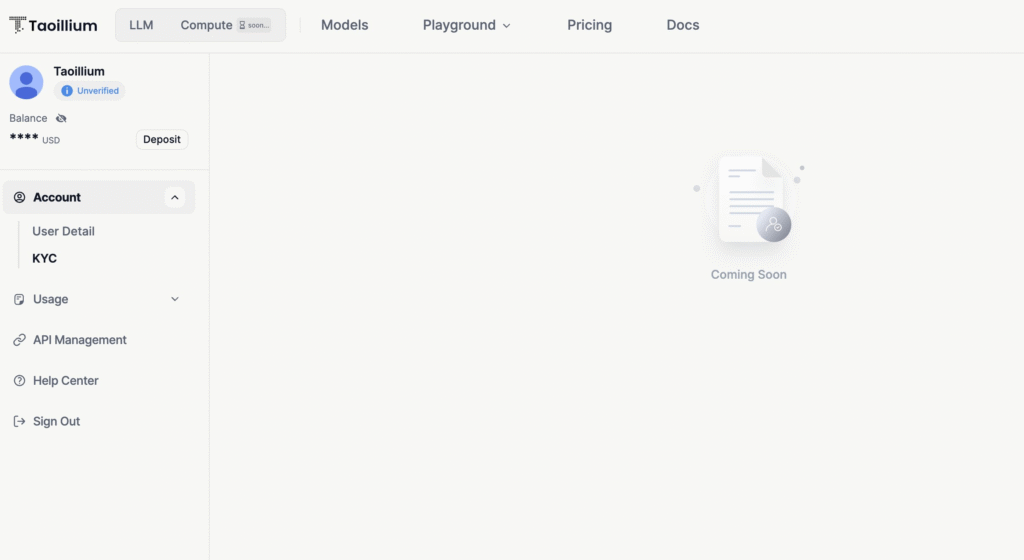
- After logging in, click on your avatar or account icon in the upper right corner and select “KYC.”
- Fill in your personal profile information on the verification page to comply with security protocols. This step is essential for accessing advanced features.
- Generate an API Key
- Navigate to the account settings or follow the “Create API Key” guide provided on the platform.
- Obtain your API key, which will be used to call Taoillium’s APIs and access its models.
- Explore Available Models
- Go to the “Models” page to view detailed information and pricing for models like DeepSeek-V2 (2.28 USD) and Qwen2-72B-Instruct (0.68 USD).
- Click the “Playground” button on a model’s details page to enter the experience center and test it in real-time.
- Test Models in the Playground
- On the Playground page, select your desired model (e.g., language, text-to-image, or image-to-image) from the left sidebar.
- Input relevant parameters and prompts, then click “Run” to generate and view results.
- Integrate and Utilize the API
- Use your API key to call the Taoillium API, with compatibility notes available for OpenAI integration.
- Refer to the Taoillium-LLM documentation for specific operation guides and start leveraging the platform in your applications or projects.
- Manage Computing Resources (Optional)
- Explore Taoillium-Compute to apply for CPU, memory, and cloud storage resources tailored to your workload needs.
- Manage these resources via the account dashboard to optimize performance without worrying about physical server logistics.
By following these steps, users can harness Taoillium’s powerful AI capabilities and computing resources, making it an accessible and versatile tool for both beginners and seasoned developers.
Enjoyed this article? Join our newsletter
Get the latest Bittensor & TAO ecosystem news straight to your inbox.
We respect your privacy. Unsubscribe anytime.



Be the first to comment