

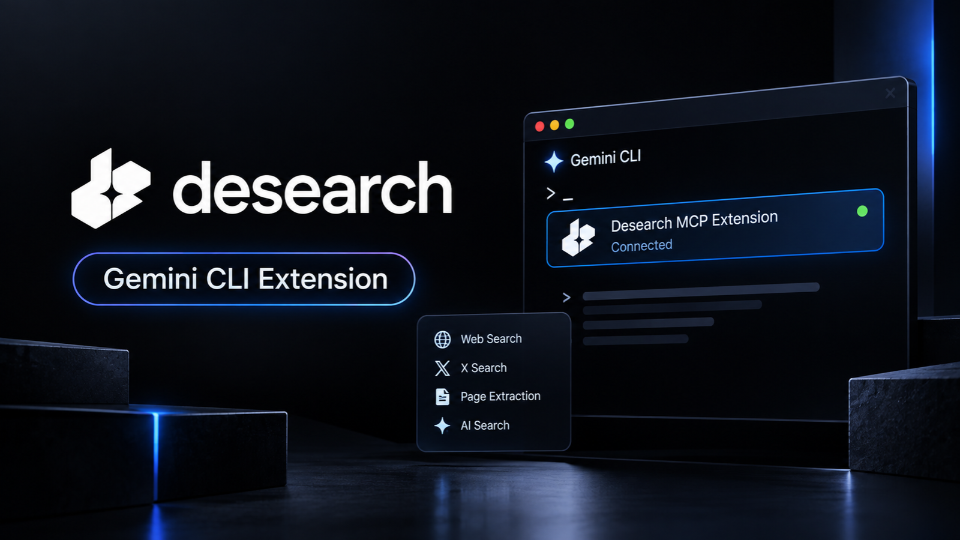
On October 6, 2026, Desearch (SN22) announced that its MCP server can now be installed as a Gemini CLI extension, giving developers a simple way to connect Google’s command-line AI environment to Desearch’s search infrastructure.
The update is particularly useful to developers building agents that need information from the live web and X. Desearch already provides search and extraction tools through its API, but bringing them into Gemini CLI means those capabilities can directly exist inside the environment where developers are building and running their agents.
Why real-time search is useful for agents
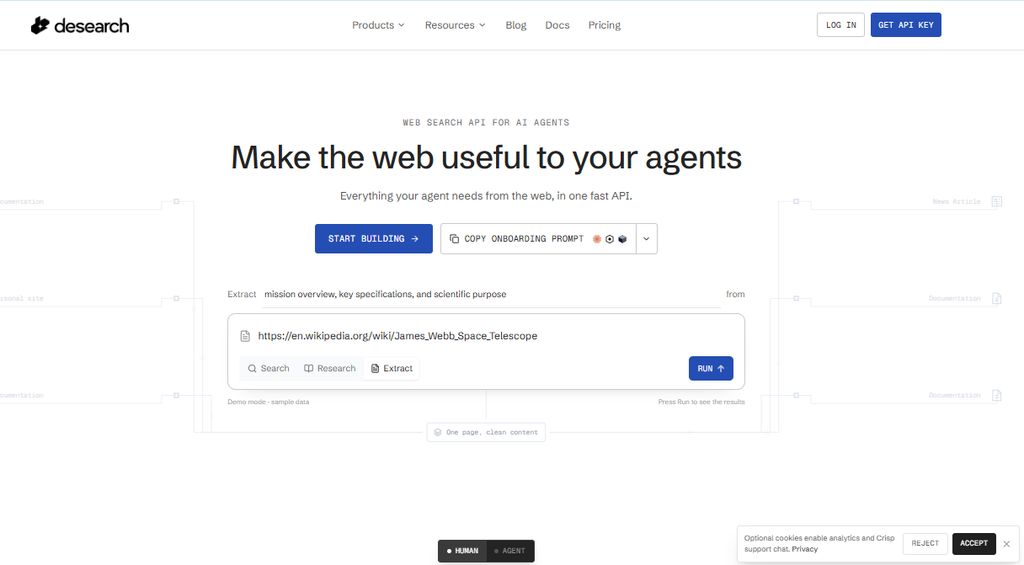
An agent working without external search is limited by the information available to its underlying model. That becomes a problem when a task depends on recent events, new documents, current company information or conversations happening on X.
Desearch solves that through a single API covering web search, X search, AI-assisted queries and page extraction. The service operates on Bittensor Subnet 22, and its product offerings are documented on the Desearch website.
For more background on the project’s approach to decentralized search, see HERE
With the Gemini CLI extension, developers using that environment can bring those search capabilities into their existing agent workflows without building the connection themselves.
What the integration gives AI agents
Once the extension is installed, Gemini CLI can access Desearch’s search and data tools through MCP. The available capabilities include:
- AI Search across web and X results (with optional summary).
- Web Search, which gives agents standard web search results when they need to find current information.
- X Search, which allows agents to search posts using different filters.
- Page extraction, which pulls usable content from webpages so an agent can work with the information beyond the search result itself.
- X-specific tools, including searches for posts by users, individual posts, replies and trends.
The current toolset is documented in the official Desearch MCP documentation and the project’s GitHub repository.
What does Desearch cost?
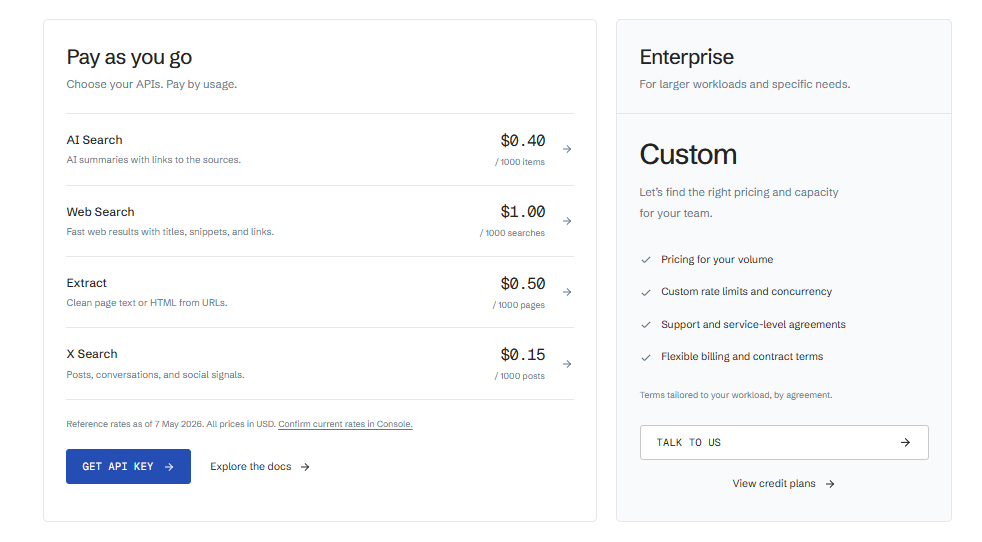
Desearch uses usage-based pricing, with API keys available through the Desearch console. The current reference rates listed by Desearch are approximately:
- Web Search: $1 per 1,000 searches
- AI Search: $0.40 per 1,000 items
- Page extraction: $0.50 per 1,000 pages
- X Search: $0.15 per 1,000 posts
Developers should check the Desearch website and console for current pricing before using the service at scale, since an agent can make multiple searches or extraction requests during a single task.
What this means for Bittensor
Desearch is an example of a subnet turning network infrastructure into a service that developers can access without needing to interact with the underlying network directly.
A developer using Gemini CLI does not need to work with Bittensor to use the search tools; they simply need an API key and the MCP extension, while Desearch handles the infrastructure behind the service.
The TAO Daily has covered this broader trend HERE.
Gemini CLI is not the only option
The new extension adds Gemini CLI to a wider group of environments that can use Desearch through MCP. According to the official documentation, the service also supports clients including Cursor, Claude, Windsurf and Zed.
Developers can therefore use the same search infrastructure across different agent-building environments instead of treating Gemini CLI as a separate version of the product.
How to Try It
For Gemini CLI users, the setup follows four steps:
- Create a Desearch API key through the Desearch console.
- Install the extension with gemini extensions install https://github.com/Desearch-ai/mcp-desearch .
- Enter the API key when Gemini CLI prompts for it.
- Use the available Desearch tools from the Gemini CLI environment.
Making live information easier to use
Desearch already has the search infrastructure but this update changes how easily developers can bring it into an agent workflow.
A Gemini CLI user can now connect to Desearch without building a separate integration, giving an agent access to current web information, X posts and extracted webpage content as part of the same working environment.
That is a practical improvement for both sides. Developers get a shorter path from Gemini CLI to live search, while Desearch gets its Bittensor-powered infrastructure in front of another group of developers already building AI agents.
Enjoyed this article? Join our newsletter
Get the latest TAO & Bittensor news straight to your inbox.
We respect your privacy. Unsubscribe anytime.
Enjoyed this article?
Join our newsletter
Get the latest TAO & Bittensor news straight to your inbox — every morning before markets open.


No comments yet — be the first.